Share
Share Scribeist
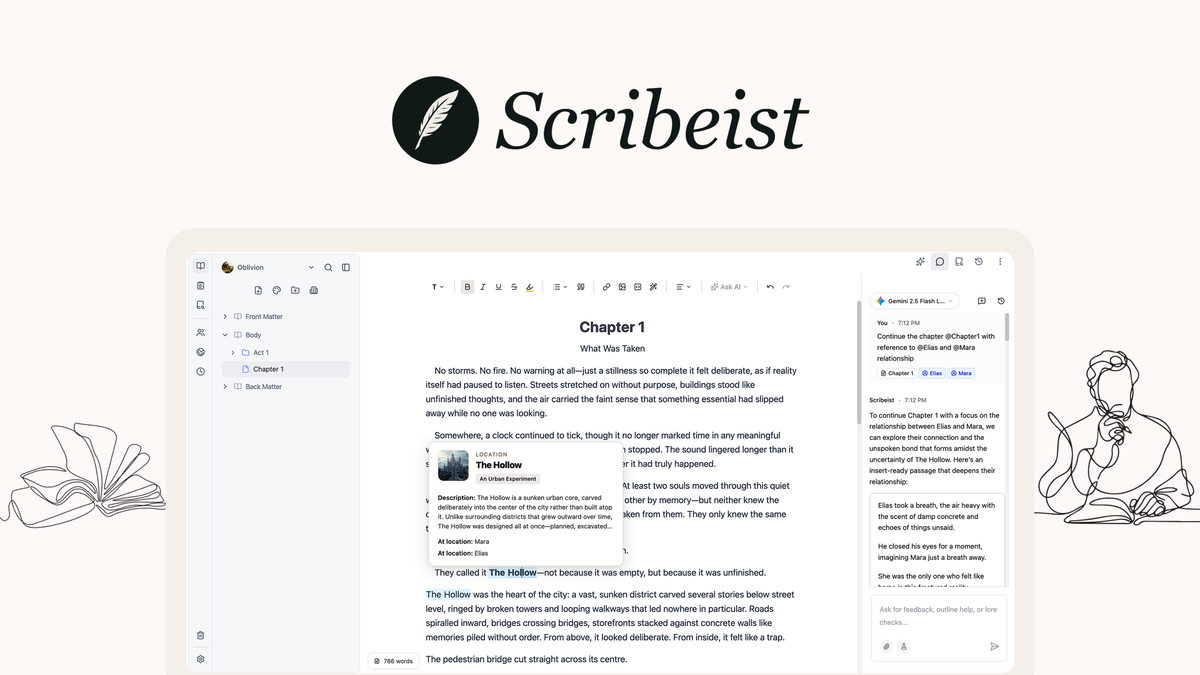
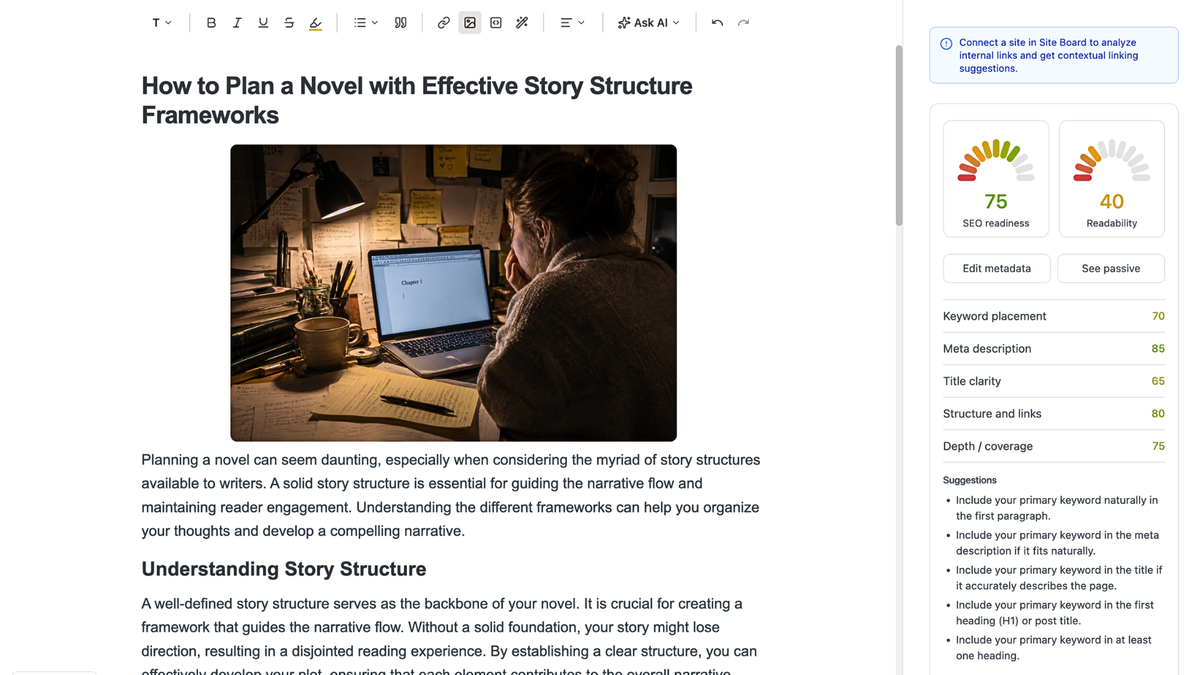
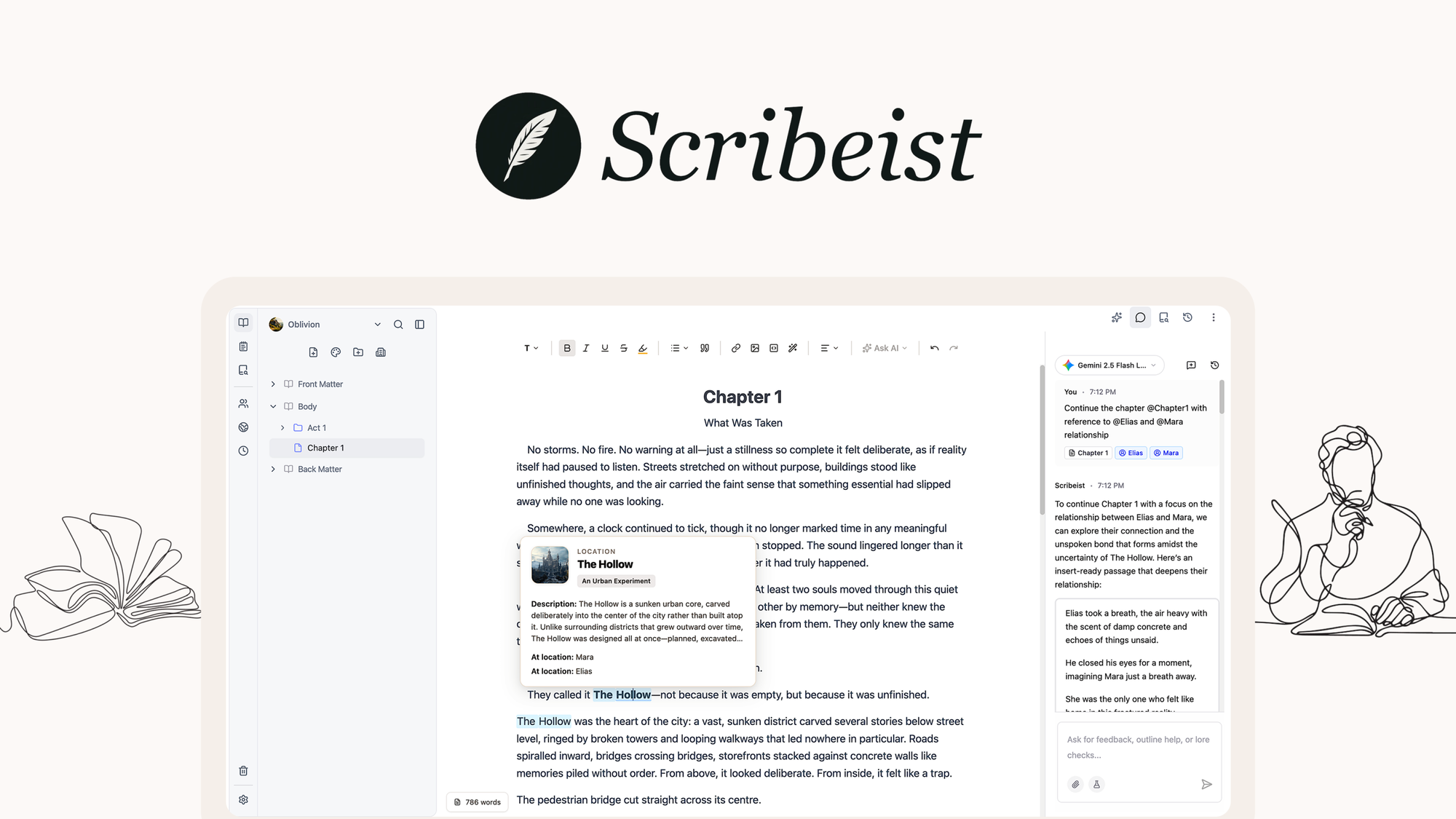
Write novels, blogs, and more with dedicated AI workspaces—each with access to your full project context

Lock in lifetime access for $49 before this promotional tier sells out.
Share
Verified lifetime license. Replaces recurring SaaS subscriptions with a single one-time payment.
Scribeist is a writing platform designed to eliminate context-switching by providing specialized workspaces for different types of writing projects, such as blogs, novels, and general notes. Each workspace is tailored with tools and layouts specific to the writing style, allowing writers to manage all their projects in one place without switching between apps.
To create a Scribeist account, visit https://scribeist.com and click 'Sign Up'. You can sign up using your email and password, Google account, or GitHub account. If you sign up with just your email, you'll need to verify your email address by clicking the verification link sent to your inbox. Once verified, you can start your 7-day free trial with full access to all features.
Every Scribeist workspace includes the following core features: an Editor with rich text formatting and markdown support, AI Chat for conversational assistance, Canvas for visual planning and mind mapping, Research tools for organizing project knowledge, Voice Match to adapt AI to your writing style, Import & Export capabilities, Sharing options for collaboration, Version History for automatic saves and manual snapshots, and customizable Workspace Settings.
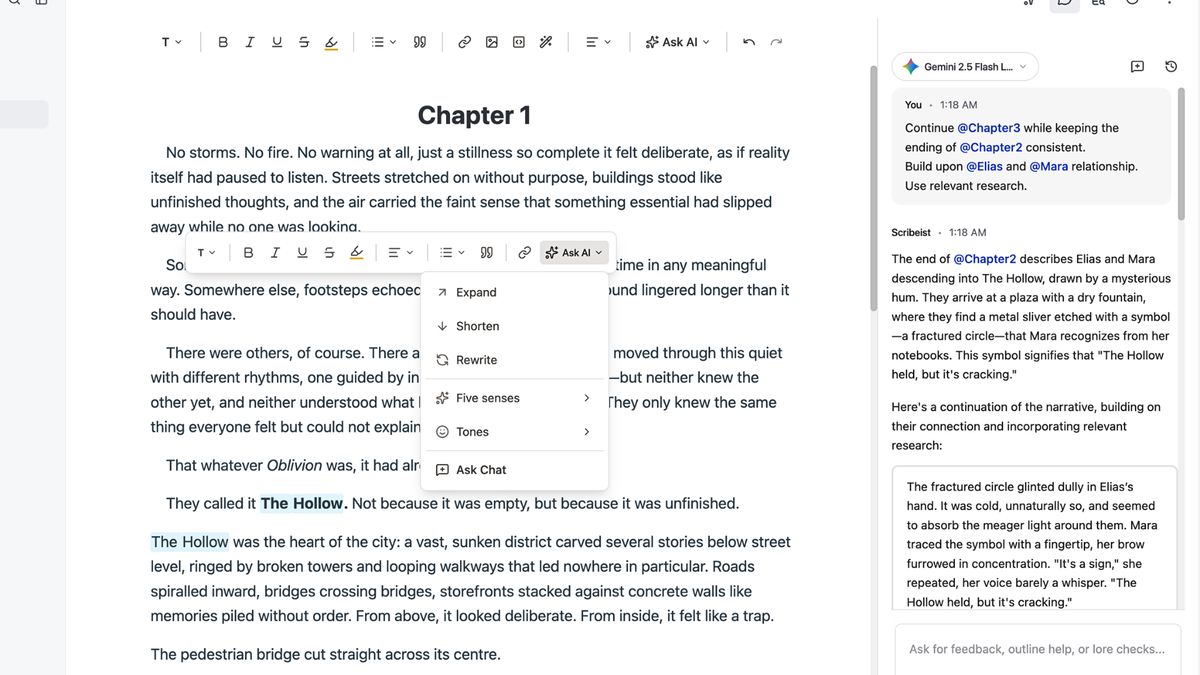
Scribeist offers several AI features to enhance your writing workflow, including AI Chat for conversational assistance, Writing Assistant to rewrite, expand, shorten, or change the tone of selected text, Blog Generation for creating full blog posts with SEO optimization, and Research tools that organize project knowledge for AI reference. These AI features are available on Hobby and Pro plans.
To connect a hosted AI provider to Scribeist, you need to be on a BYOK (Bring Your Own Key) plan. After upgrading, go to 'Account' > 'Integrations', choose the provider you want to connect (such as OpenRouter, OpenAI, Google Gemini, Anthropic, or Mistral), paste your API key, and save the connection. Scribeist will validate the key before saving it.
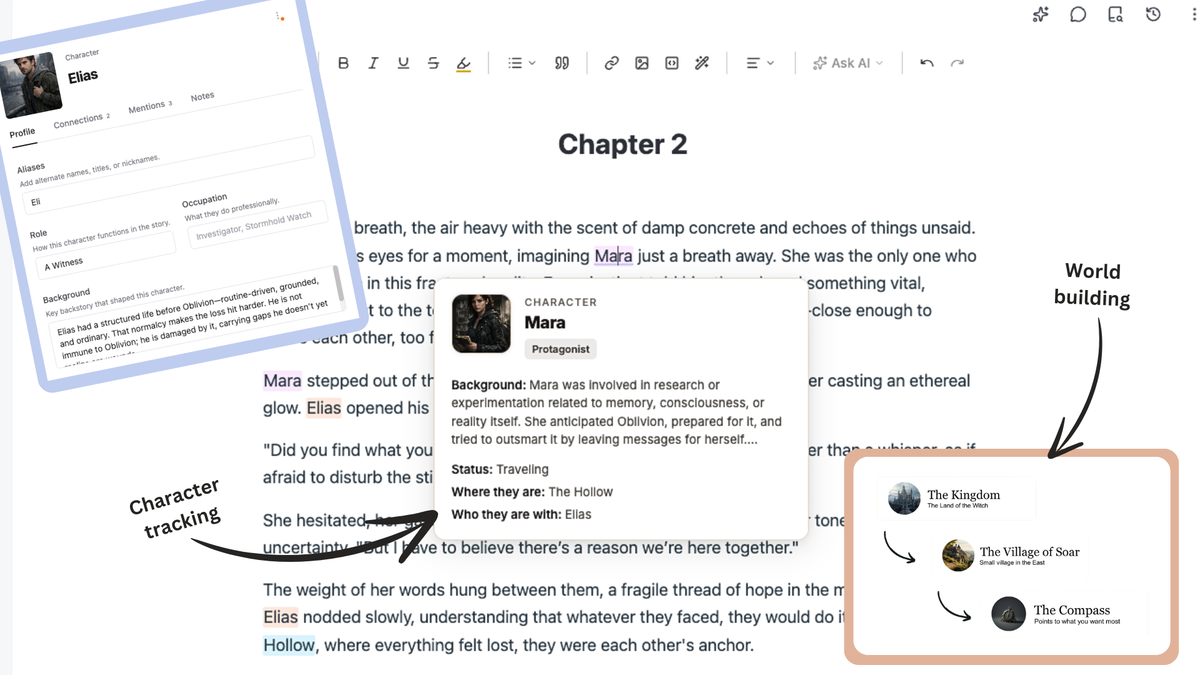
Canvas is a visual workspace in Scribeist for planning, brainstorming, and organizing ideas. It allows you to create mind maps, timelines, character relationship diagrams, and more using flexible nodes and connections. Canvas is available in all workspaces and board tabs, except Mythos entity tabs.
The Editor in Scribeist is a distraction-free writing environment with markdown support, visual formatting tools, and automatic version history. It includes a top toolbar for formatting options, a text selection toolbar for quick actions, and an editor canvas for writing. The Editor supports both markdown shortcuts and visual formatting, allowing you to choose your preferred method.
In Scribeist, deleted documents, folders, and canvases are moved to the Trash tab, where they can be restored or permanently deleted. Items remain in Trash until you choose to permanently delete them. The Trash tab is available on Hobby and Pro plans; on the Free plan, all deletions are permanent.
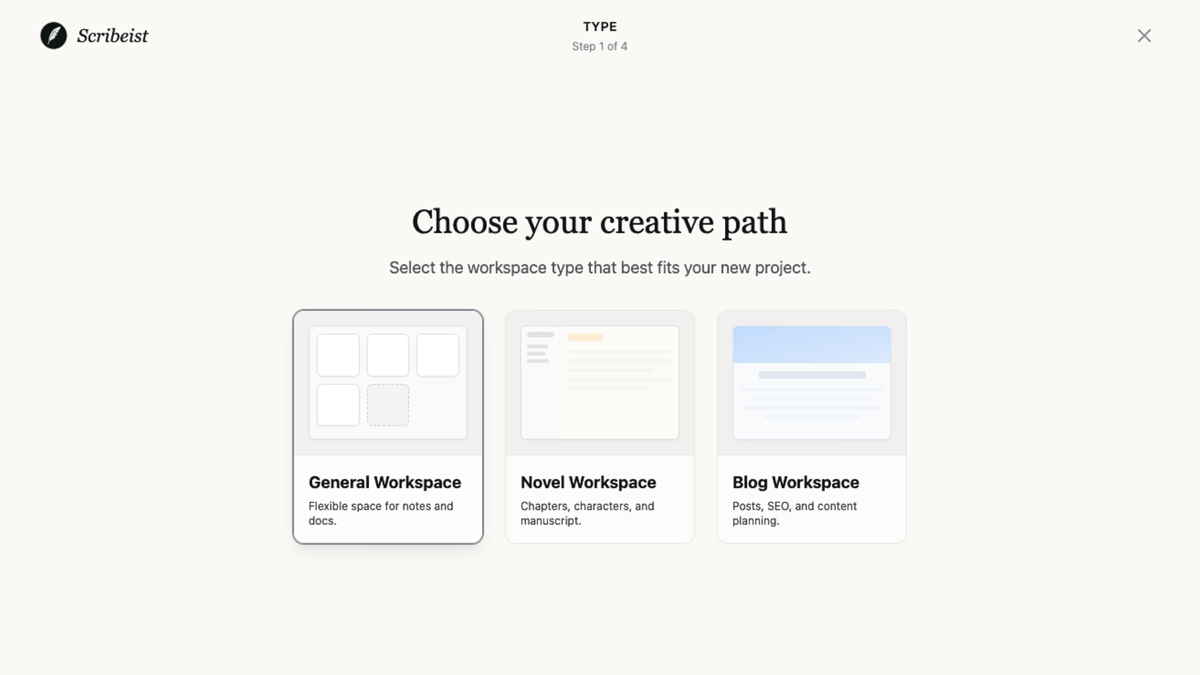
A workspace in Scribeist is a self-contained writing environment for a specific project, with its own files, settings, and organization. Scribeist offers three workspace types: Novel for fiction and storytelling, Blog for articles and web publishing, and General for notes and freeform writing. Each workspace type is optimized with tools and layouts tailored to its specific writing needs.

Specializing in productivity software, SaaS lifecycle evaluations, and agency tool stacks. All reviews are independent, hands-on, and tested without vendor influence.